GETTING STARTED
Sign in
Open the Sedona app and you'll land on the sign-in screen. You have two options.
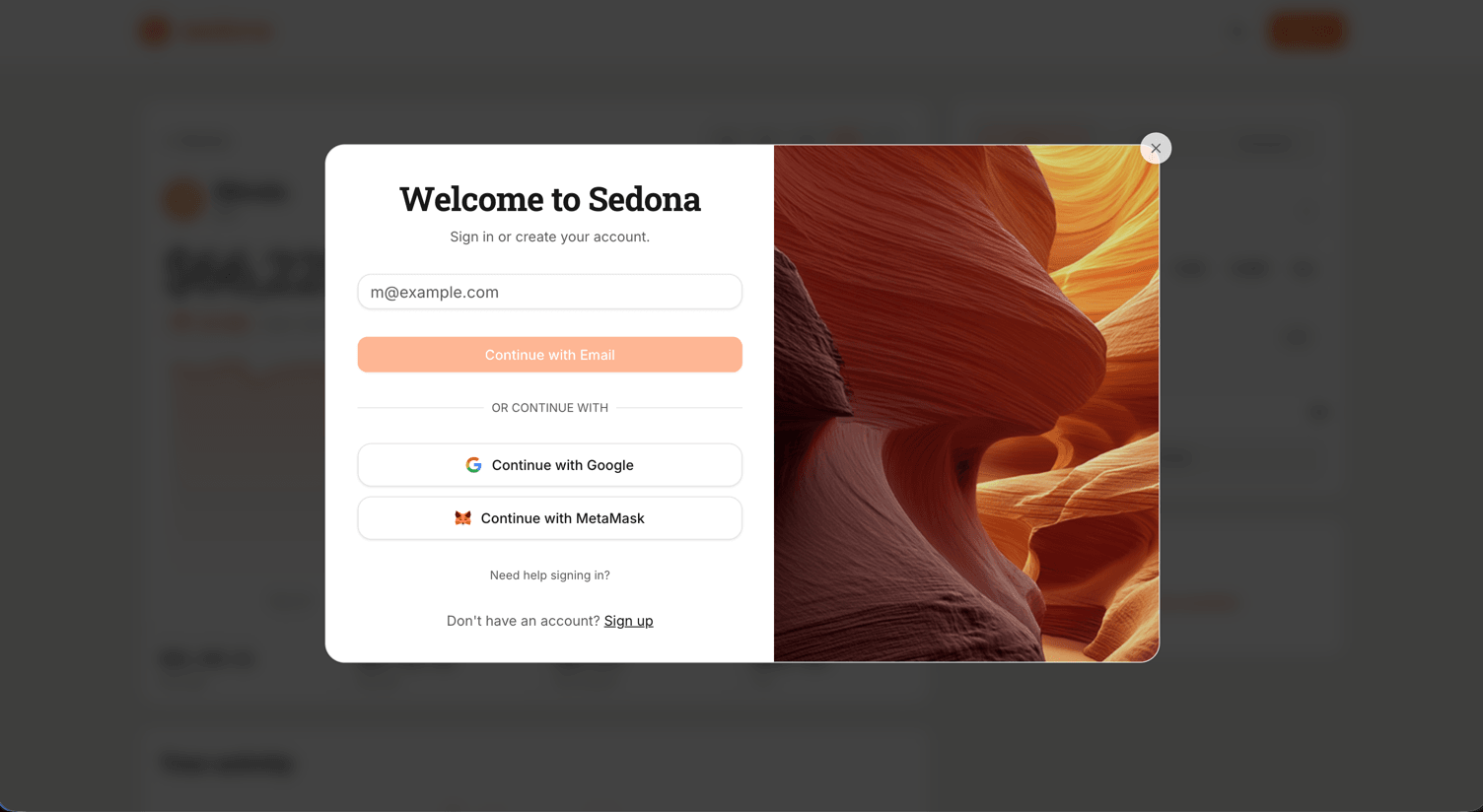
Option A. Connect a wallet
Recommended for crypto users
Click Connect Wallet
Pick MetaMask, Rabby, or another supported wallet. Approve the connection request in your wallet extension.
Switch to Seismic testnet
If your wallet isn't already on Seismic, the app prompts you to add and switch. Approve the network add request.
Option B. Sign in with email or social
Click Sign in with email, Google, Apple, or another social option. Sedona uses Privy to create an embedded wallet for you behind the scenes. You don't need to install anything.
This is the easiest path if you're new to crypto.
Things that can go wrong
| Symptom | Fix |
|---|---|
| "Wrong network" | Make sure your wallet is on Seismic testnet (chain ID 5124). The app will offer to switch for you. |
| Wallet signature keeps failing | Disconnect, refresh, reconnect. If using a hardware wallet, enable blind signing. |
| Stuck on the loading spinner | Refresh the page. If still stuck, try a different wallet (MetaMask, Rabby). |
More fixes in Troubleshooting.