TRADING
Swapping tokens
Sedona's swap engine is a private AMM. It functions like Uniswap, except your trade isn't visible to the network until after it's settled.
How to swap
Open the swap
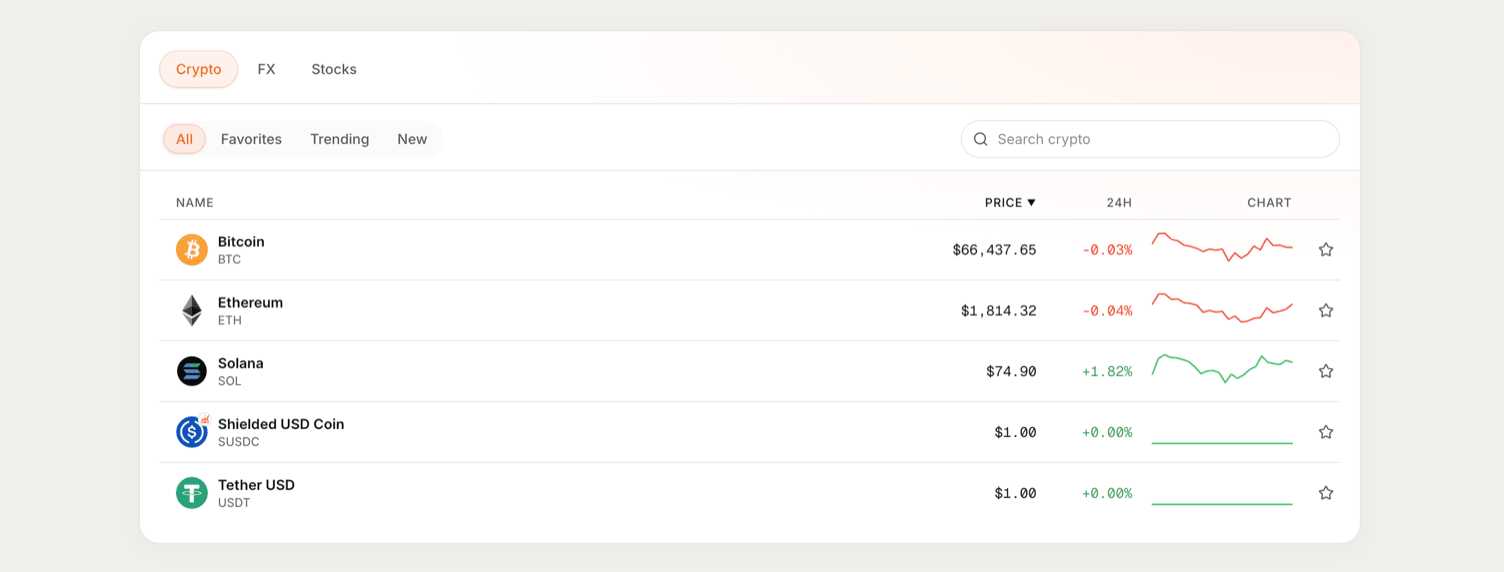
From the Markets view, use the Buy / Sell card on any token's market page.
Pick your tokens
Choose what you're spending in From and what you're receiving in To.
Enter the amount
Type an amount, or hit Max to use your full balance.
Review and swap
Check the rate, price impact, and minimum received. Click Review order, confirm, then approve the transaction in your wallet.
You'll see a confirmation screen once the trade settles, usually in a few seconds.